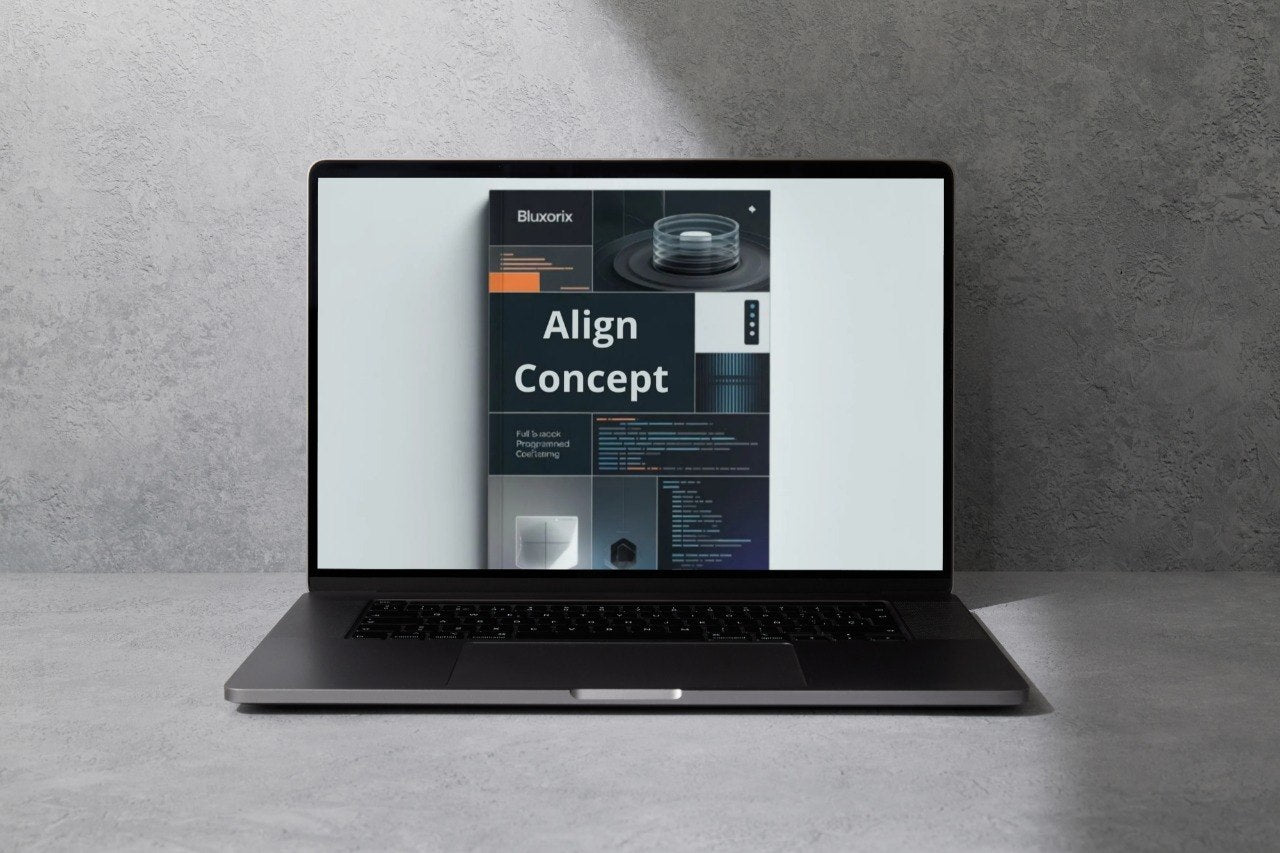
Bluxorix
Align Concept
Align Concept
Couldn't load pickup availability
- 💻 Instant course access after enrollment
- 🔁 Lifetime updates & continuous improvements
- 🔐 Safe & encrypted payment system
- 🧠 Up-to-date learning materials (2026 release)
Self-paced learning overview
Problem Statement
Many learners begin studying web development by collecting isolated tutorials and short notes, but that often leads to gaps between concepts. You may understand a page section, a form, or a server response on its own, yet still feel unsure about how those pieces work together inside one course path.
Solution
This course is designed to align the foundational concepts of full-stack development into one clear sequence. Instead of jumping from topic to topic, learners move through a structured path that connects interface logic, project structure, data flow, and small development tasks in an organized way.
What’s Inside
- Module 1: The Logic Behind Full-Stack Structure — Learn how interface layers, server layers, and data layers relate to one another in a web project.
- Module 2: Building Clear Page Systems — Explore sections, navigation patterns, content grouping, and layout logic for readable interfaces.
- Module 3: Forms, Inputs, and User Requests — Study how users send information through a page and how that information moves toward processing logic.
- Module 4: Data Basics for Web Projects — Understand records, collections, field structure, and the role of stored information in dynamic pages.
- Module 5: Small Workflow Practice — Work through a guided example that links a user action to a data-related result.
- Module 6: Organizing a Learning Routine — Learn how to review lessons, repeat practice tasks, and keep concepts connected over time.
A common challenge for learners at this stage is confusion around sequence. They may know what a form is and what stored data is, but they do not yet see how the request begins, where it goes, what part of the project receives it, and how the result appears back on the page. This plan helps close that gap.
The modules are written to create continuity between lessons. One lesson introduces a concept, the next lesson places it inside a project context, and the following lesson shows how it relates to user interaction. This structure helps learners move from isolated facts toward a more usable mental model.
The course also pays attention to naming, file grouping, and reading logic. These small topics are often ignored in short learning materials, yet they matter when projects begin to grow. Learners are encouraged to observe how structure supports clarity, not only in the interface but also in the project itself.
Another useful part of this plan is its practice design. Exercises remain manageable in size, but they still connect multiple concepts at once. That makes them suitable for learners who want more than a basic introduction while still studying within a guided format.
Who is this for?
✅ A good fit if you...
- understand a few web basics and want a clearer path
- want to connect page logic with data handling
- prefer lessons that move in a structured order
- want guided practice without jumping into large builds too soon
❌ Not the right fit if...
- you already manage full projects with routing, data, and deployment
- you are mainly looking for advanced architecture discussions
- you want a course built only around large capstone tasks
What You’ll Learn
- How the major layers of a web project connect
- How forms and user requests move through a project
- How stored data supports dynamic page behavior
- How to read and organize a simple workflow
- How to study full-stack topics in a structured sequence
Align Concept is a strong next step after the Free Plan because it turns separate beginner ideas into a connected learning path.
How do I choose the right plan?
How do I choose the right plan?
Each plan follows a broader learning scope than the one before it. If you are just starting, begin with Free Plan or Align Concept. If you already understand the foundations and want more structured full-stack practice, move higher in the sequence.
Are these courses suitable for beginners?
Are these courses suitable for beginners?
Some plans are built for first-time learners, while others are better for people who already know the basics of page structure, logic, or server-side thinking. The plan descriptions below explain who each one is for and what background helps.
How are the materials organized?
How are the materials organized?
Every plan is arranged into lessons, modules, guided examples, and practice-focused materials. The goal is to present topics in a clear order, so learners can study one concept at a time and connect ideas gradually.
Share